What’s New: Improvements in the 10Web Builder

Improvements in the 10Web Builder
Not only are we automating what we can so that you have more time to do the important work, we are also making logical improvements to the premium widgets by 10Web. With these improvements, you have more variations for designing your websites and achieving the final look you want.
Slides Widget
Text Outside Image
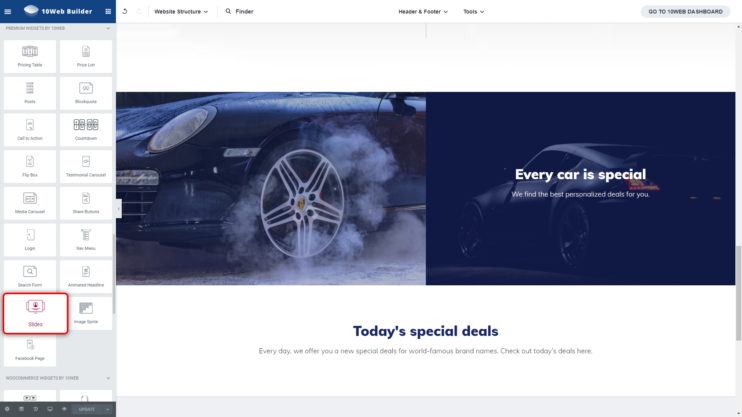
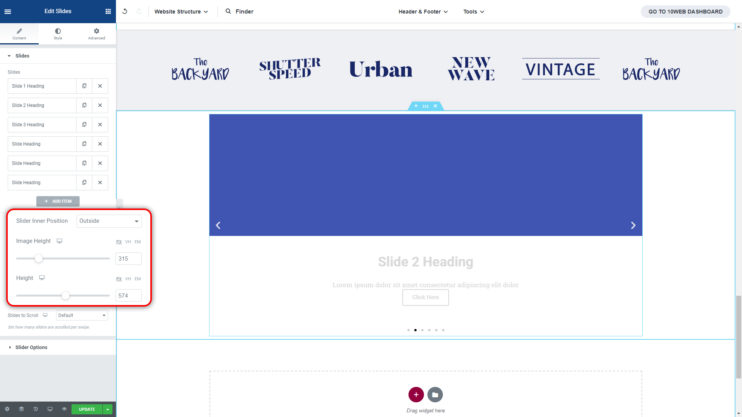
One of our premium widgets, the Slides Widget, allows you to display images in a slide. In the widget, you have the option to add text to each image, either outside or inside of the slide. Now, when you add text to the outside of the image, you have the option to adjust the height of your images and the entire widget box. This will allow you multiple variations of displaying your text and your images together in one slide.
Multiple Slides Per View
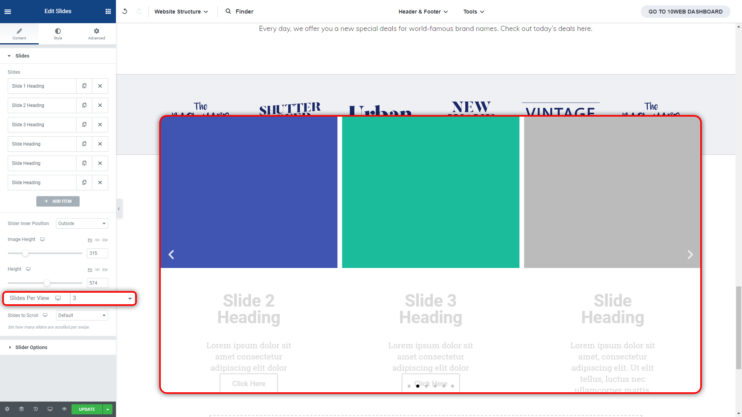
Another new and exciting feature in the Slides Widget is the option to show Multiple Slides per View. Go ahead and set up your images in the slide, then choose to show from 1 to 10 images per view.
Nav Menu Widget
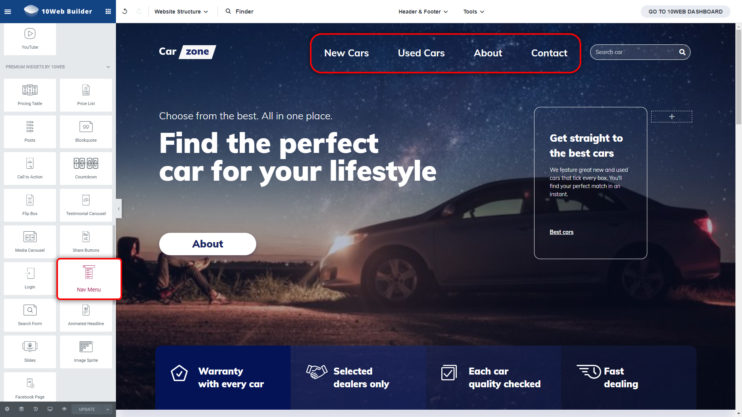
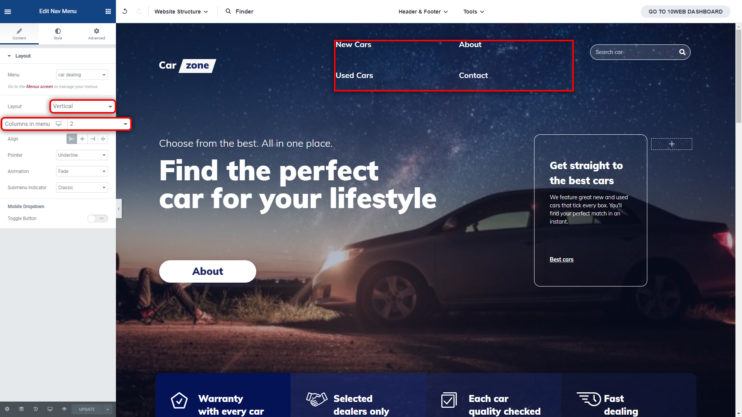
Our Nav Menu Widget has a new addition to its features. We have added the option of choosing the number of columns when you have your nav menu set to vertical. Choose from 1 to 10 columns.
Parallax Effect for Sections
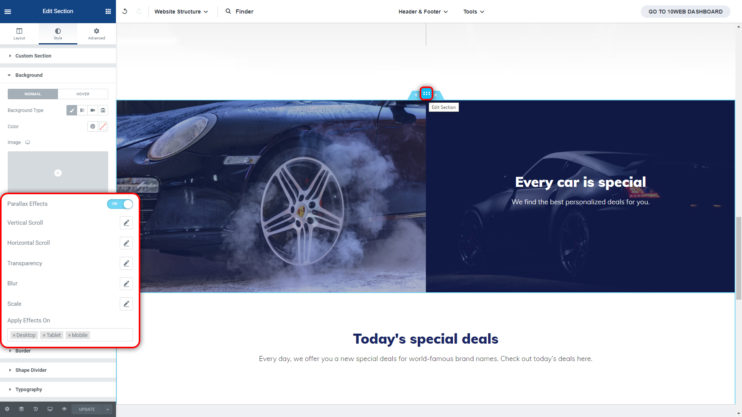
Let’s say you have sections that have really nice background images, but you really wish you could somehow give them a bit of life. Now you can do that with the Parallax Effect.
Have your images scroll slower than your page to give the images and the viewer a feeling of animation. Choose from horizontal, vertical, or both scrolls. Make your images transparent, blur them, or scale them to your liking.
You like this article? Spread the word!


Will try this tool definitely!
MARIA all I can say is it was worthy to come to your blog a got good information on SEO… I also want to perform an SEO audit for my website
Nice Development tools
Good morning. I need help with WordPress and I’m hoping for one-on-one assistance. I really want to talk with someone who knows wordpress, LIVE. I receive tons of emails from wordpress that offer links to solutions to other peoples’ problems that haven’t done me any good. I’ve tried to unsubscribe from those emails, but I haven’t been able to so now they all go to my spam folder. Again, I’m looking for live support, not some robo link that won’t answer my questions. my blog address is lookingthrualens.com/ricks-hideout/
Hi Richard! Thanks for your comment. For live chat support, please go to https://10web.io/ and click “Ask a question” on the bottom right corner of the page. Alternatively, you can join our WordPress Family Facebook Community and start a discussion with fellow WP users.